 Alolo Chat
Mobile first
Your phone remains the main account surface, including account identity, QR-based device linking, and privacy controls.
Get Alolo Chat on your phone, keep the experience aligned with the official app, and continue on the web when you need a larger screen.
Download on theApp StoreThe official app for iPhone
Open Web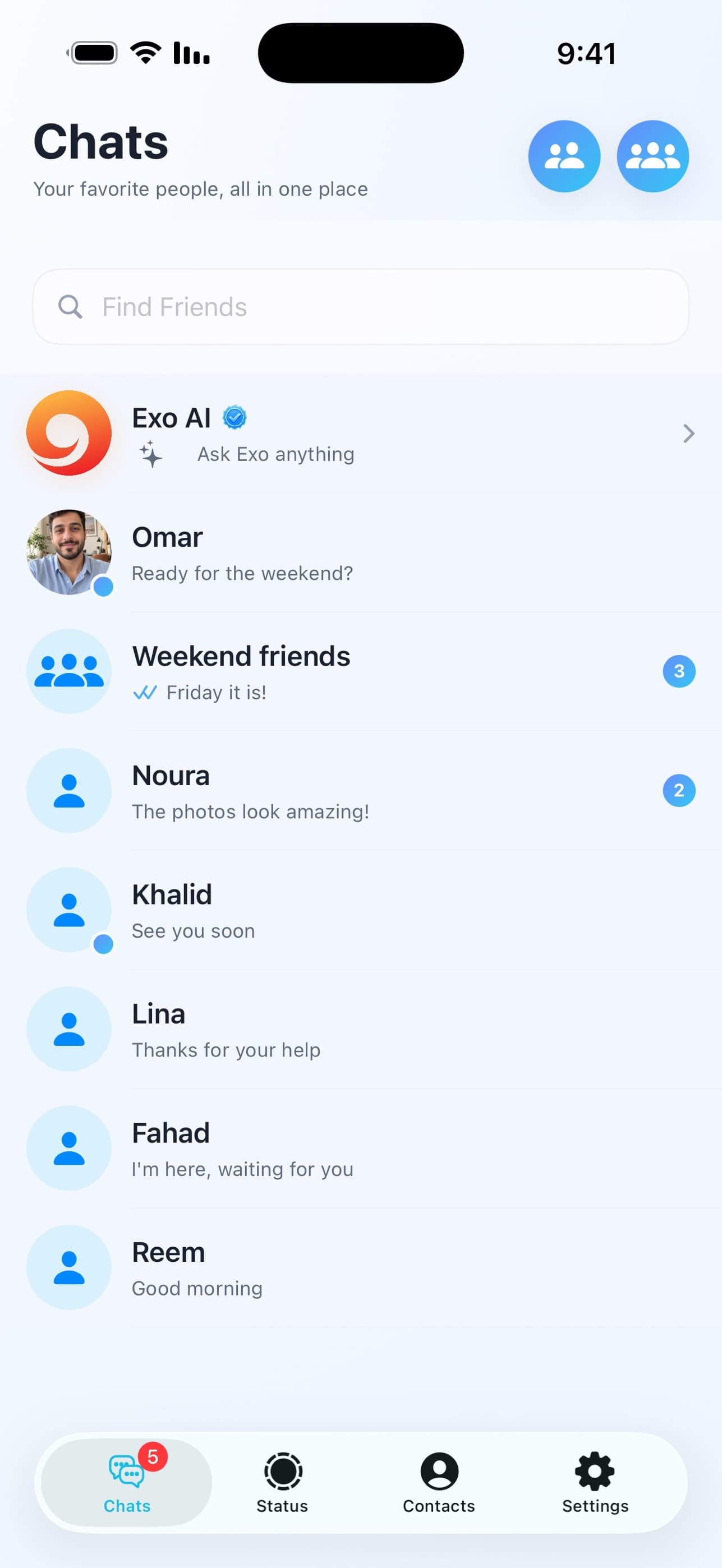
Your phone remains the main account surface, including account identity, QR-based device linking, and privacy controls.
Once the app is set up, you can link a browser session and continue real conversations from your computer.
Get Alolo Chat from its official App Store listing.
Use the mobile app as your main account entry point before linking a browser.
For the web experience, use a current desktop browser with JavaScript enabled and a stable internet connection.
Install the app, sign in, and use QR-based computer login when you want the same secure chat experience on the web.
Connect your way. Alolo Chat brings conversations and communication together in a simple, fast, and personal experience.