A little message. A lot of meaning.
A space for everyday conversations and groups that bring your people together.
For your people, and the moments you share. Message and call on your phone, then pick up your conversations on your computer with Alolo Chat.
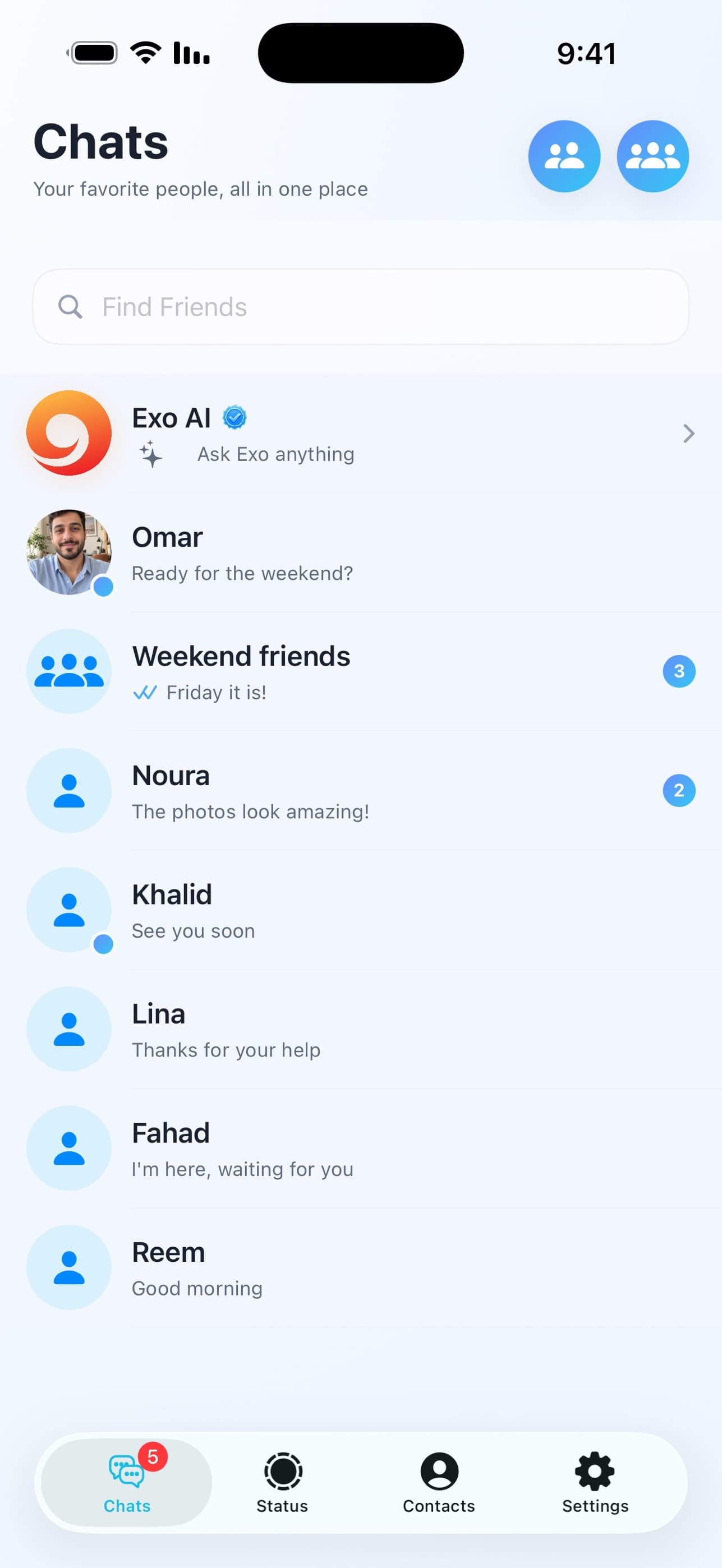
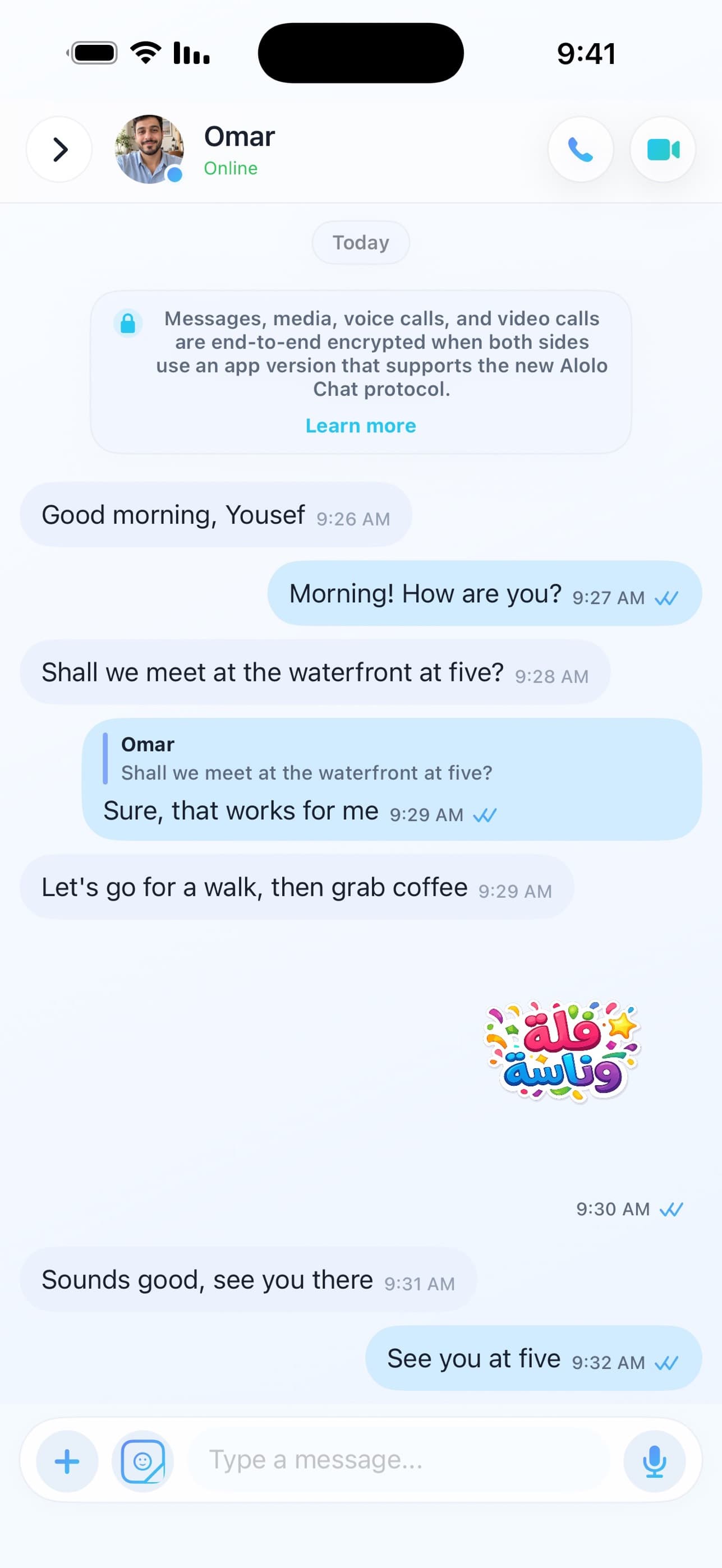
 Your people. Your conversations.
A space for everyday conversations and groups that bring your people together.
Voice and video calls in the app. Because some moments deserve more than a message.
Manage your presence and linked devices, with support for encrypted conversations.
Messages, groups, moments and calls. Explore Alolo Chat through its official App Store screenshots.
Your account, with more room to type. Link your browser from the Alolo Chat app and continue chatting on your computer.
Sign in to Alolo Chat WebOpen Alolo Chat on your phone. Go to Profile, then choose Computer Login.
Scan the web page’s QR code with the app and approve linking this browser to your account.
Open your chats and send messages and attachments. End the session here or from the app whenever you need.
Clear answers for people discovering Alolo Chat, web chat, and QR device linking.
Contact usIt is the official browser experience for Alolo Chat. You scan a QR code from the mobile app to open the same account on your computer.
Yes. The website and web app support both Arabic and English, including proper RTL and LTR layout behavior.
The browser creates a short-lived pairing request. The phone app scans the QR code and securely approves that browser session.
Yes. Select Log out in the web app, or open linked devices in the mobile app and end the browser session.

Make your next conversation an Alolo Chat conversation.